Equinix
Equinix Customer Portal redesign
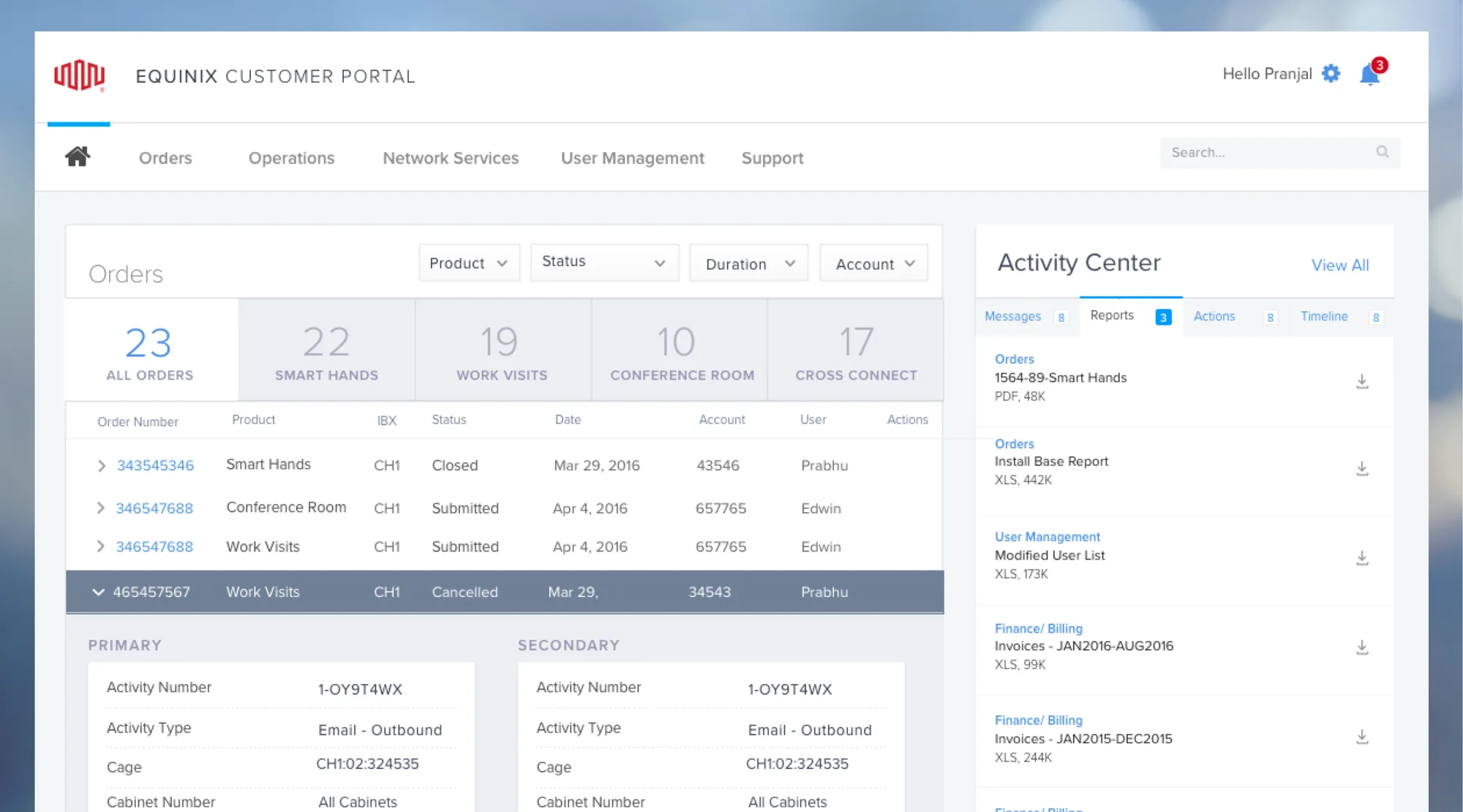
The portal is where Equinix customers order and manage everything in their data centers: new services, smart hands, work visits, users, reports and billing. I led its redesign across seven major releases.
- Role
- Senior UX designer, design lead for the portal
- Timeline
- Jul 2015 – Oct 2017
- Scope
- 80+ features on responsive web
- Outcome
- Users grew from 80K to 140K
My role
I led the blue-sky designs, user research, competitive analysis, analytics review, requirements gathering, information architecture, sprint planning, prototyping and build reviews. I was solely responsible for redesigning navigation, information architecture, user management, global search, the activity center, and orders and forms.
As a player-coach, I also helped scale the design team and established a unified design system that product and engineering could build on.
Discovery
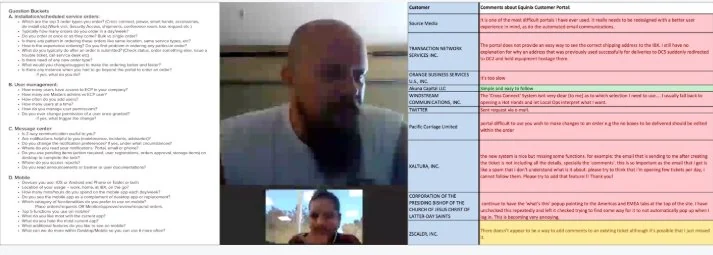
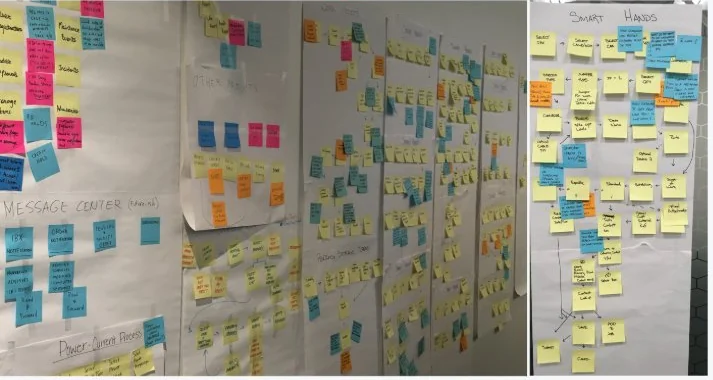
We interviewed internal and external users with a structured script, on site and remotely, and set up a survey to keep feedback coming. Google Analytics showed us the portal’s strengths and weaknesses, and its most-used workflows. Then we brought stakeholders and subject-matter experts together to audit the portal and find workflows we could simplify or template.
Vision and strategy
Discovery turned into four principles that every release was measured against.
Customer focus
Design with a customer mindset, drop internal jargon, communicate after booking, and show prices and dates while ordering.
Usability
Better guidance, more mobile functionality, predictive search, and intuitive layouts and workflows.
Simplicity
Concise descriptions and help text, fewer fields, and no duplicate entry.
Internal productivity
Fewer order kick-backs, less manual QA, and one place for customers to do everything.
Design
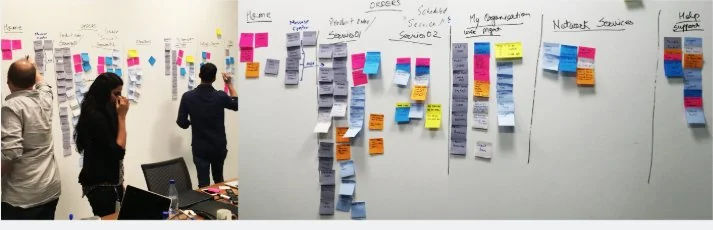
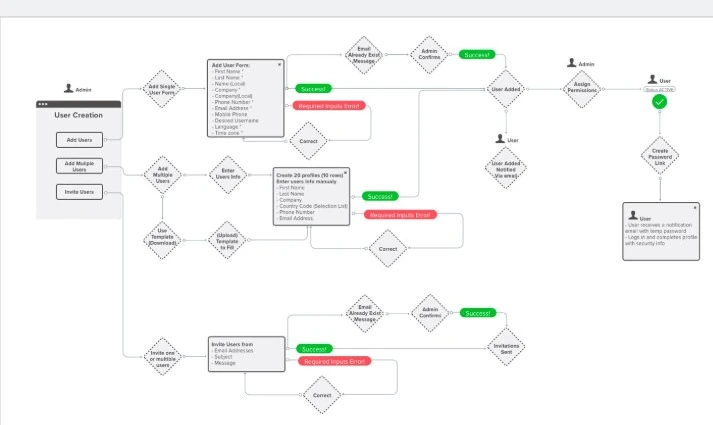
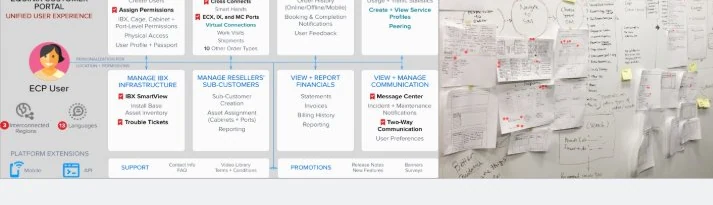
Each area of the portal went through its own workshop. Navigation, for example, started with a wall of every task customers perform. I mapped user flows for each workflow, such as adding and managing users, before designing screens, and ran blue-sky and comparative studies to build the pattern library.
Before and after
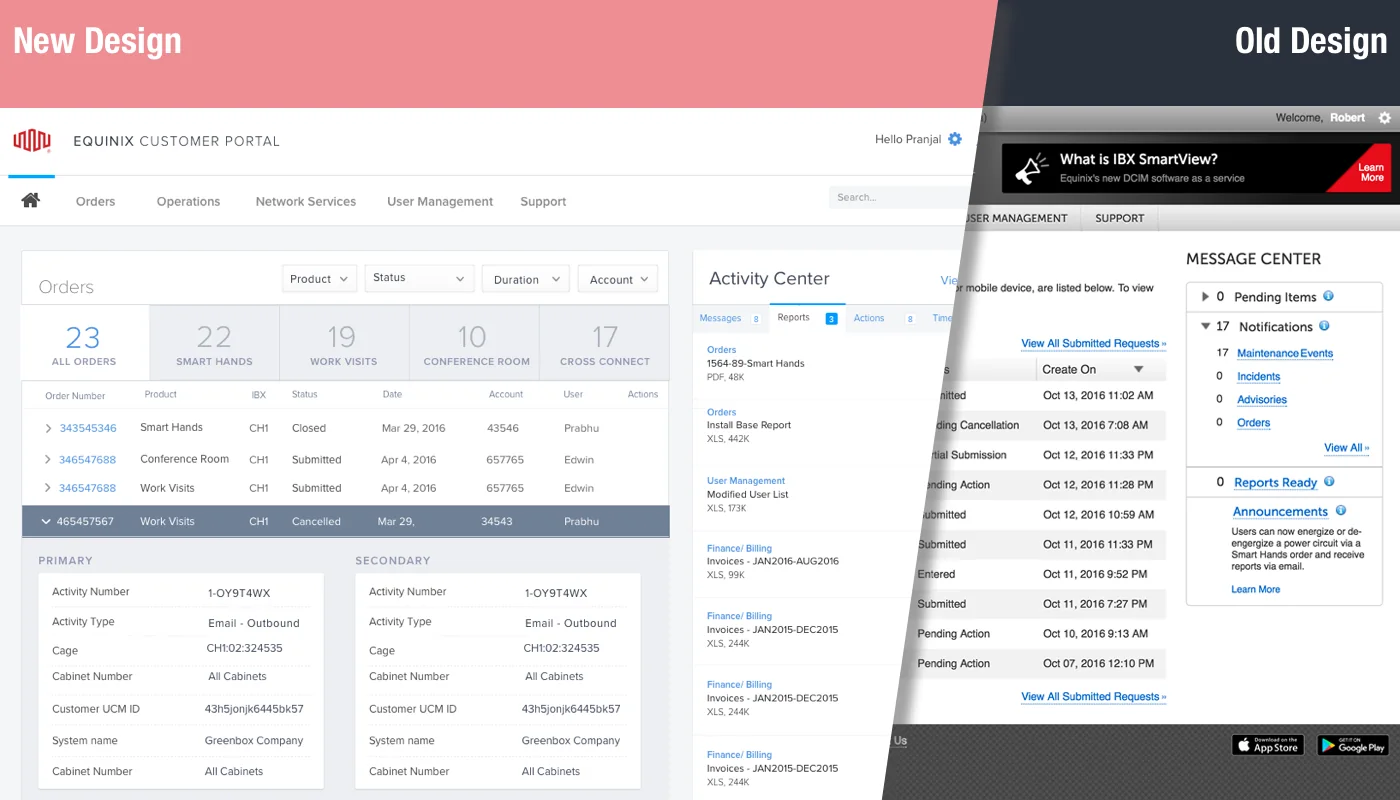
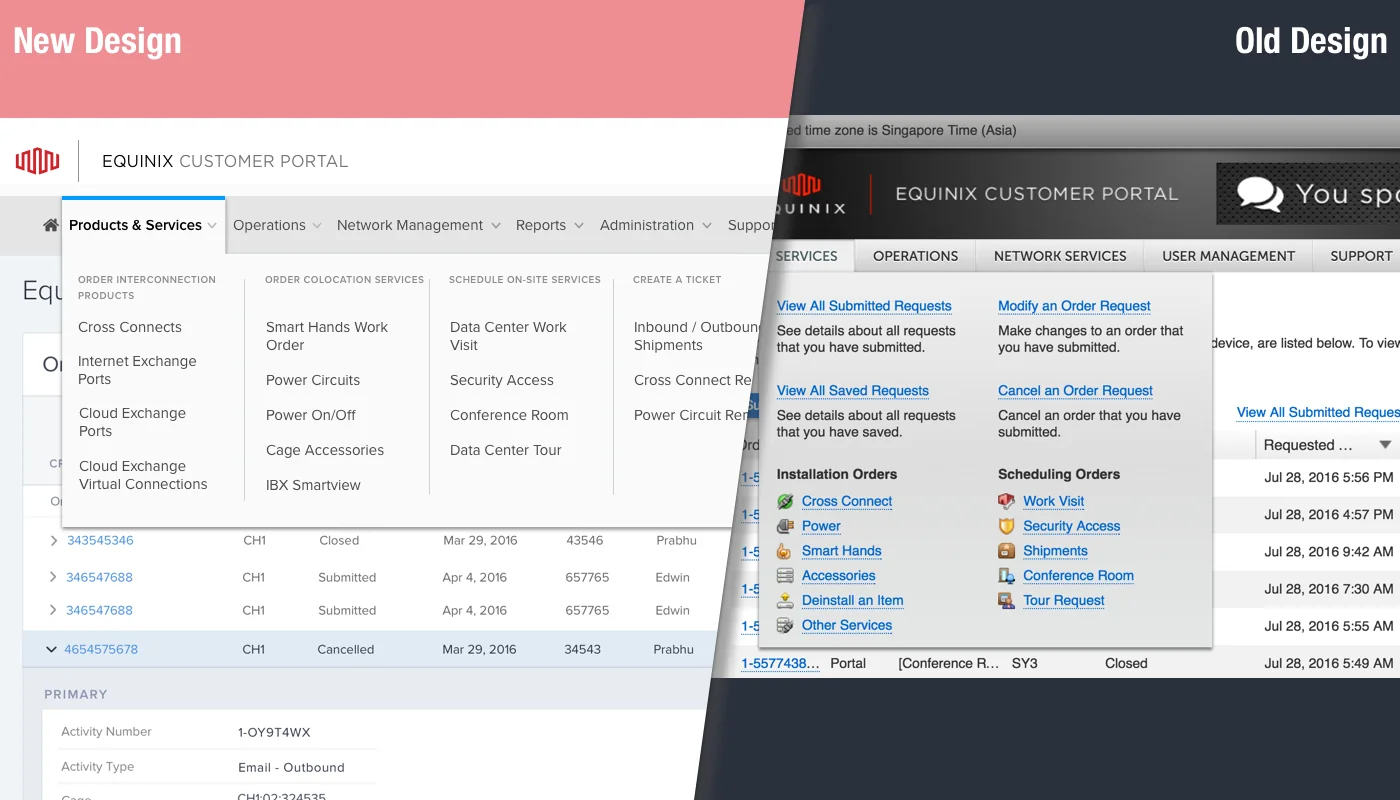
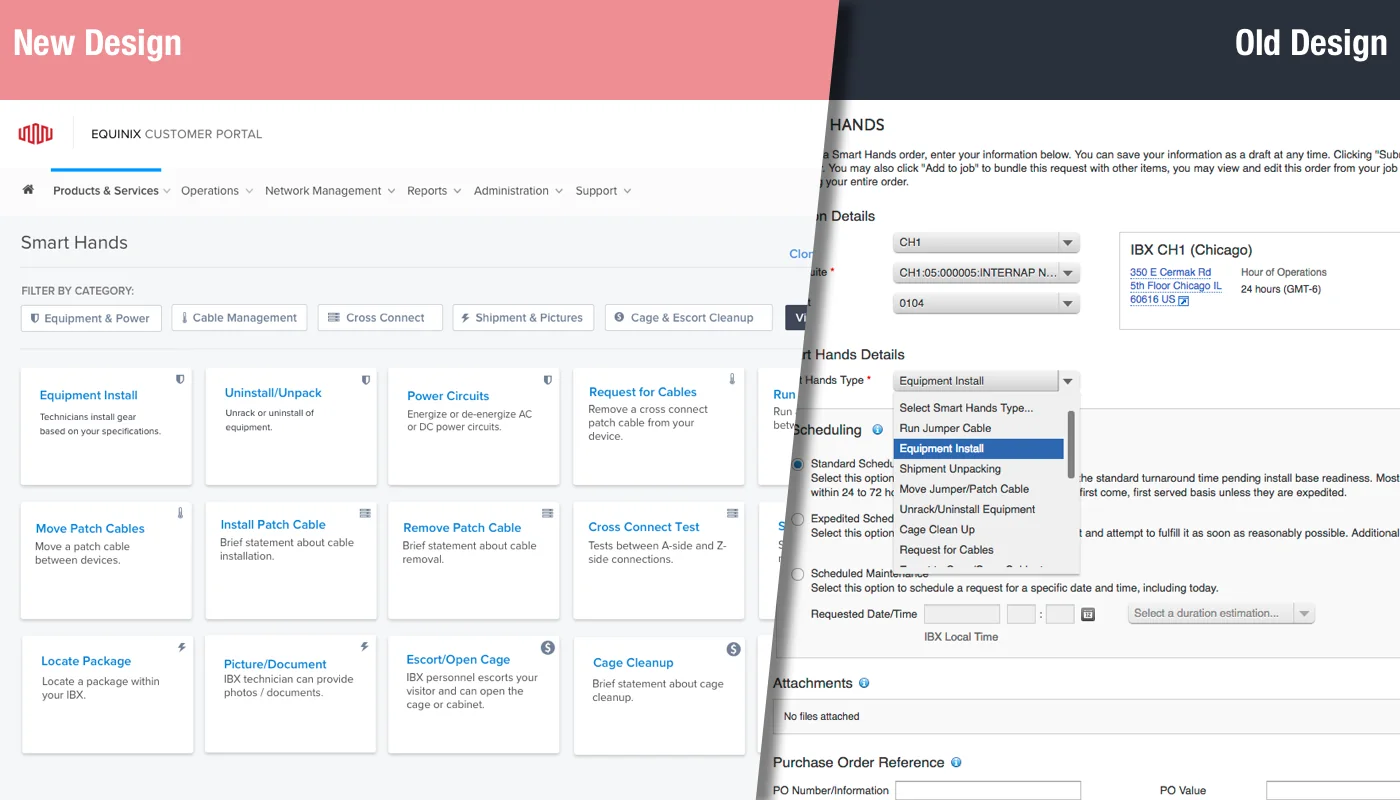
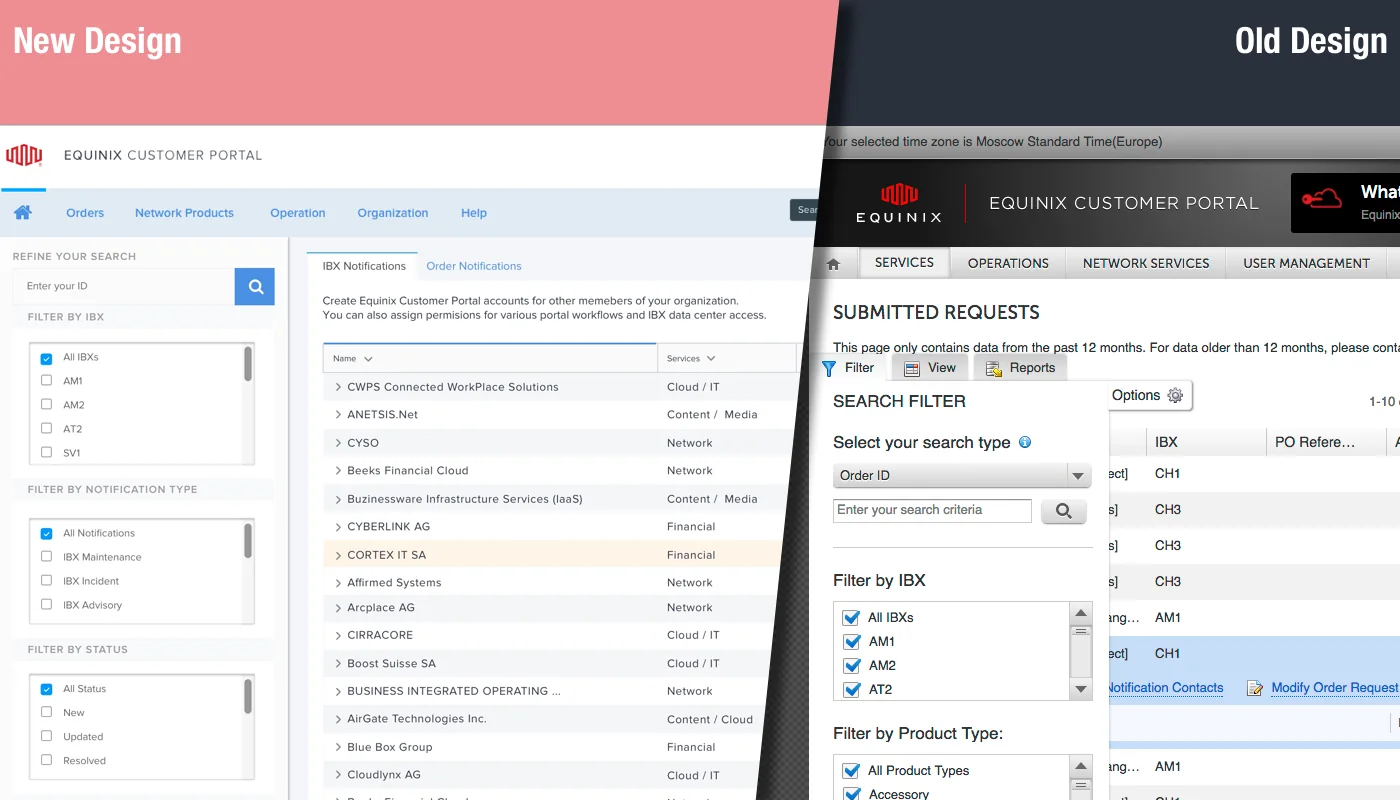
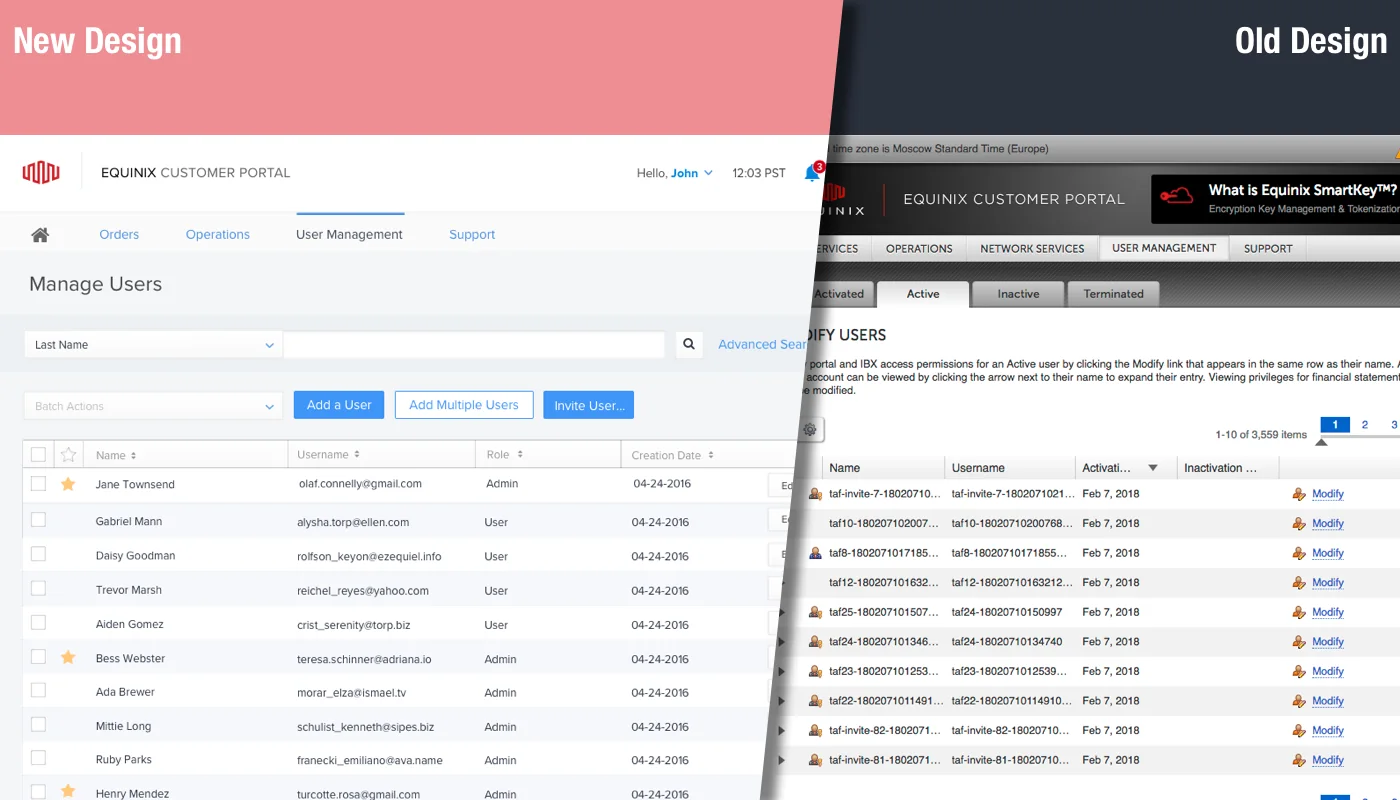
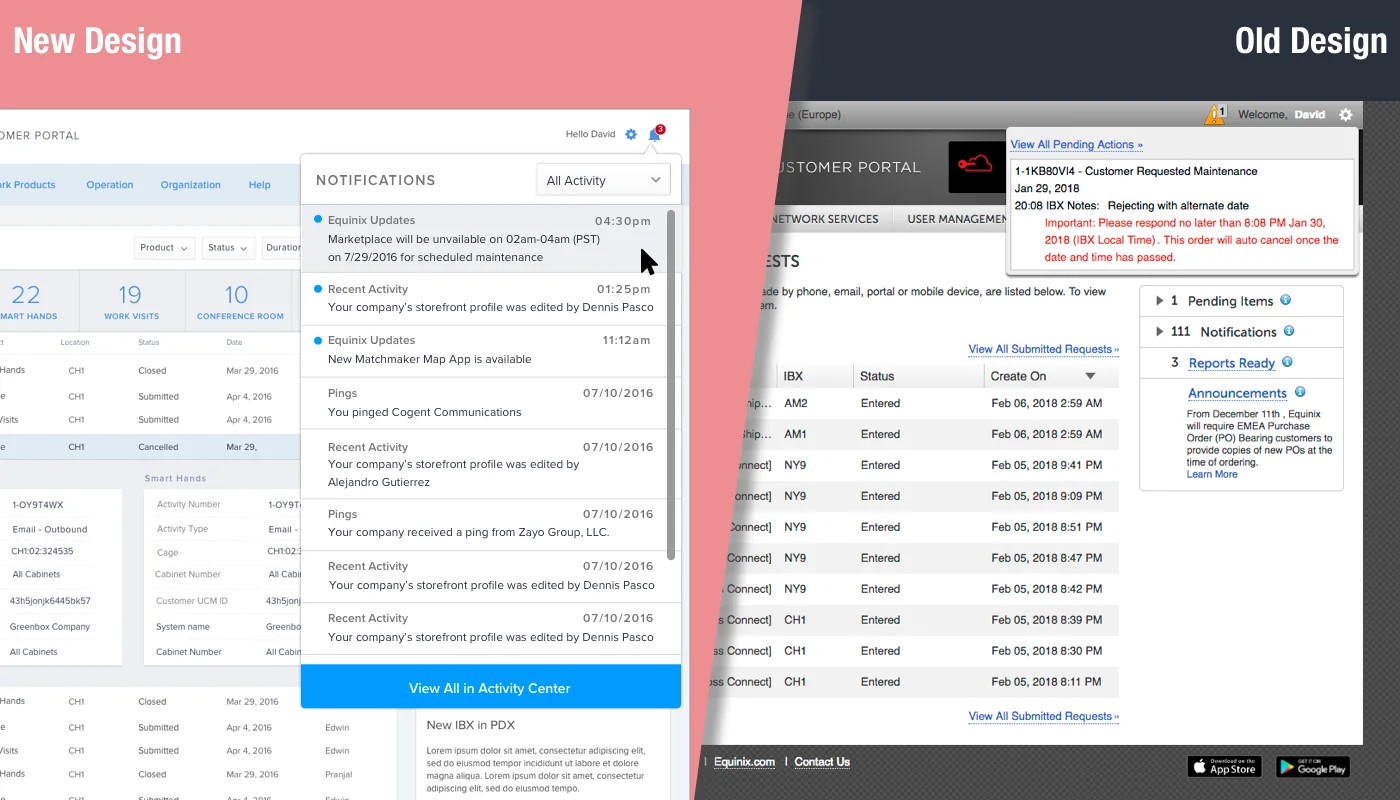
Each image shows the new design on the left and the old one on the right.
Outcome
Over two years and seven major releases, the portal’s user base grew from 80K to 140K, and order growth rose from 55% to 68%.
- 80K → 140Kportal users
- 55% → 68%order growth
- 7major releases